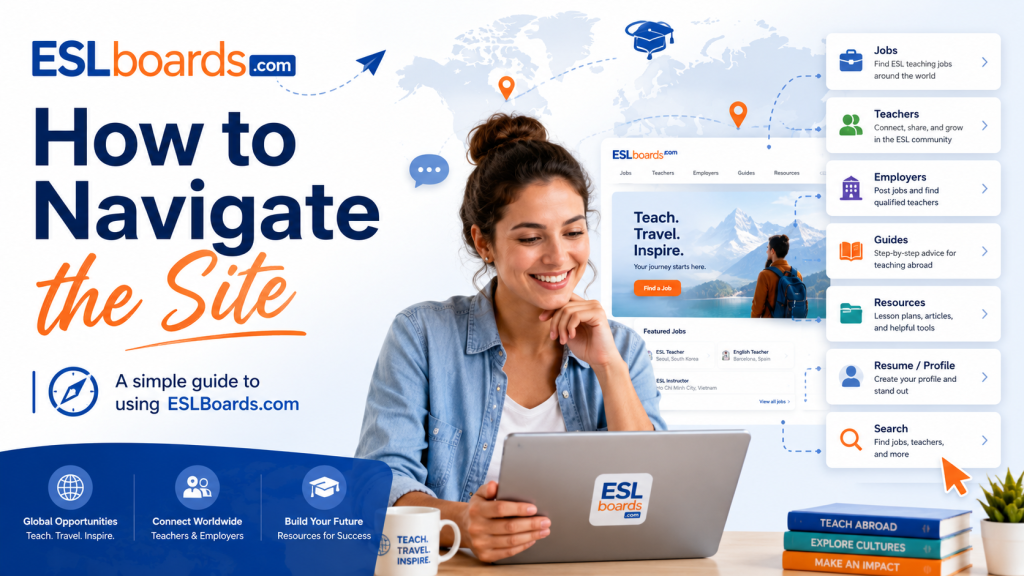
Main navigation
The top navigation menu is your primary way to move around ESL Boards. Here is what each section contains:
Country Guides
Hover over this menu to see popular destinations, or click the main link to browse all 50+ country guides. Each guide covers salary, requirements, visa, cost of living, schools, hiring seasons, and more.
Career Center
Your hub for professional development — resume writing, cover letters, portfolios, job search strategies, certifications (TEFL, TESOL, CELTA), and career growth advice.
Visa Center
Detailed visa guides organized by country. Learn about visa types, required documents, processing times, fees, and common mistakes to avoid.
Find a Job
Quick links to the job board, the resume posting tool, and external programs like EPIK (English Program in Korea).
Find a Teacher
For employers — post a job, browse the resume board, or explore advertising options.
Using the search
Click the magnifying glass icon in the header to open the search bar. You can search across jobs, country guides, visa guides, knowledge base articles, and blog posts — all at once.
Top bar quick links
The thin bar above the main navigation contains quick links to WhatsApp support, the blog, the knowledge base, the school directory, and the login page.